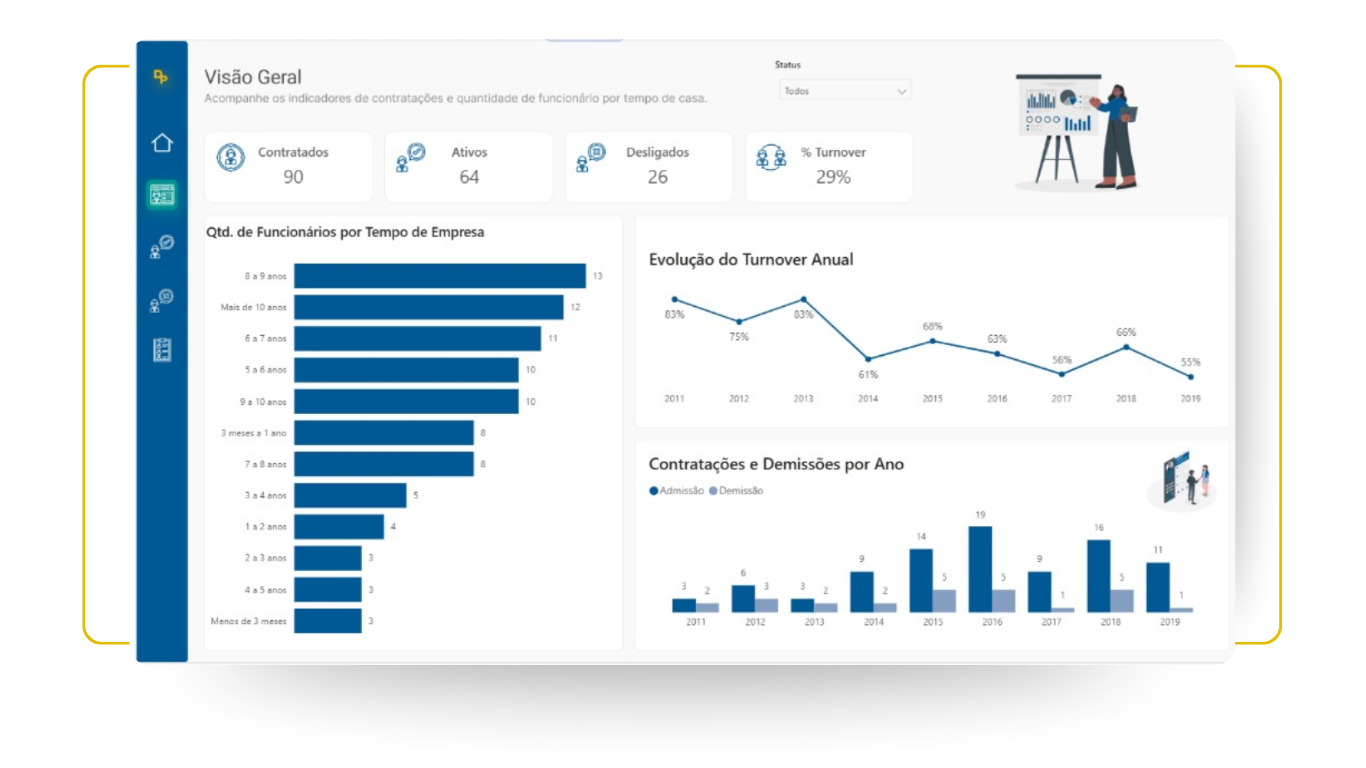
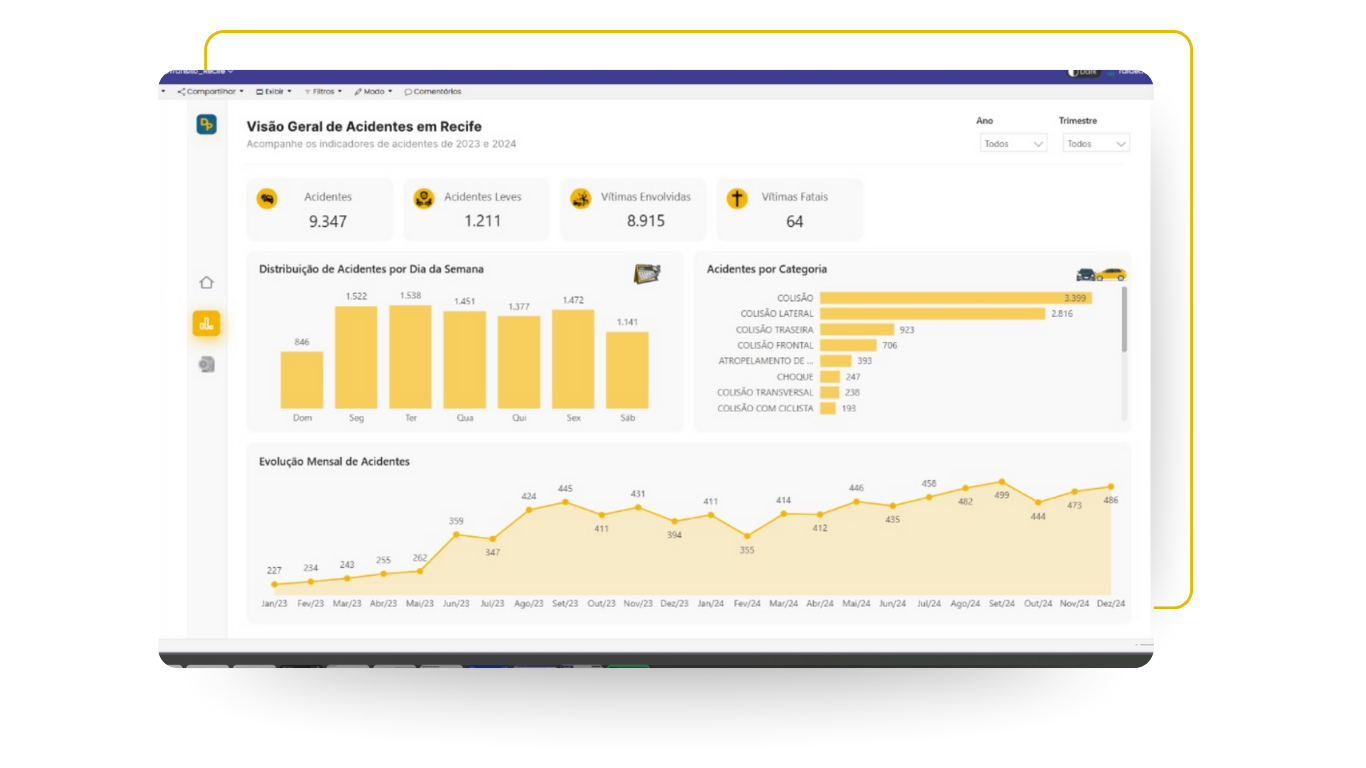
Power Embedded is a fully branded, SaaS portal that uses Microsoft Fabric or Power BI Embedded capacity to publish and govern your reports, cutting license costs by up to 90–95%, democratizing access, and keeping full control over users, groups, permissions, folders, RLS, colors, and logos.
Stop paying Pro for viewers
Capacity covers
unlimited viewers.
Keep enterprise governance
Entra ID sync,
RLS, audit logs.
Ship your brand
Custom domain, colors, and layout.
Per‑User Licensing Limits Your BI Adoption
If your audience is mostly viewers, per‑user licensing becomes the bottleneck. With Power Embedded’s capacity model, you:
Cut spend
by moving viewers to capacity.
Scale access
to thousands without adding Pro licenses.
Keep control
with enterprise‑grade governance and auditability.
Customers report up to 90–95% monthly savings versus traditional per‑user licensing while unlocking premium features across the environment.
Portal on Top of Official Microsoft APIs
Power Embedded is a secure, multi‑tenant web portal (SaaS) that uses Microsoft Fabric or Power BI Embedded capacity and the official Power BI APIs to serve your reports from app.powerbi.com
Entra ID Sync
auto‑provision/
deprovision users
and permissions.
RLS First‑Class
rule‑based access at row level, enforced end‑to‑end.
Dynamic Models per User
one report, different models by audience.
Report Catalog & Self‑Service Access
searchable catalog and access requests.
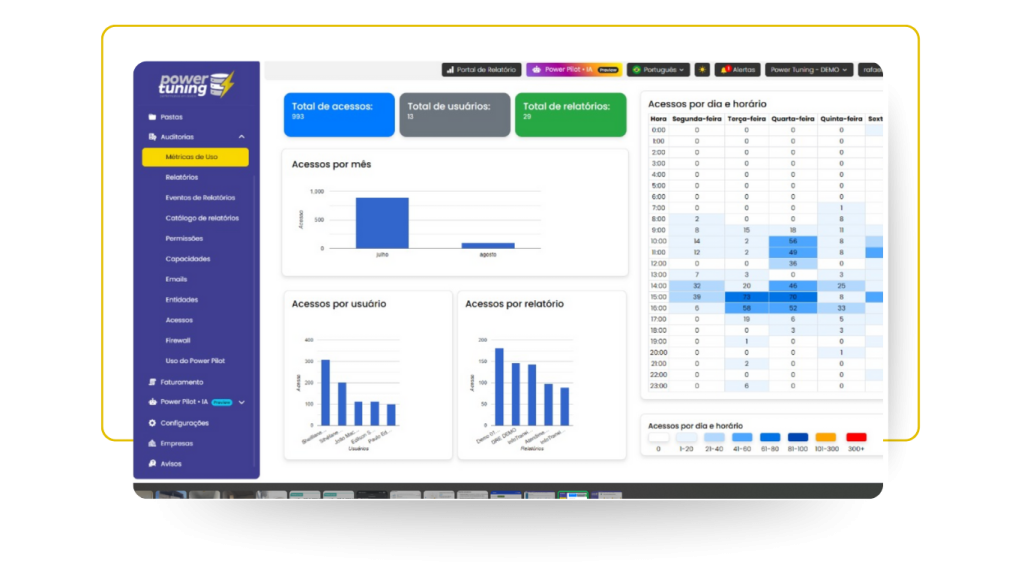
Deep Audit Trails
logins, report access, page views, filters, and changes.
Admin API
automate everything you can do in the admin portal.
We are Microsoft Partners (since 2018) with MVP‑level expertise in software development and data.
Ask Your Data Anything In WhatsApp or Inside the Portal
MeetPower Pilot, our generative‑AI module built on Azure OpenAI (GPT‑4o family and others). It connects directly to your Power BI datasets to answer questions, document models, and generate visuals — honoring RLS and your security rules. Use it inside the portal or chat from WhatsApp.
Instant charts & summariesyou can export or embed
Natural‑language Q&A with live data (RLS‑aware).
Model documentationauto‑generated and kept in context.
Budget‑friendly: the module is free in the platform; you only pay Azure usage. With lightweight models like GPT‑4o mini, answers often cost < US$0.01